Test Reports & Video Recording
Parikshan automatically aggregates test execution outputs into unified HTML reports and JUnit XML logs across all targets.
Report Directory & Output Structure
When executing ./gradlew e2eTest or target-specific tasks (e2eDesktopTest, e2eWasmTest, e2eAndroidTest, e2eIosTest), reports are output to:
Terminal log output displays report URLs upon completion:
========================================
      Parikshan E2E Test Results
========================================
[DESKTOP] SUCCESS - All 43 tests passed.
[WASM]    SUCCESS - All 43 tests passed.
[ANDROID] SUCCESS - All 43 tests passed.
[IOS]     SUCCESS - All 43 tests passed.
========================================

Parikshan: Unified E2E HTML Report generated at file:///Users/user/workspace/app/build/reports/tests/e2eTest/index.html
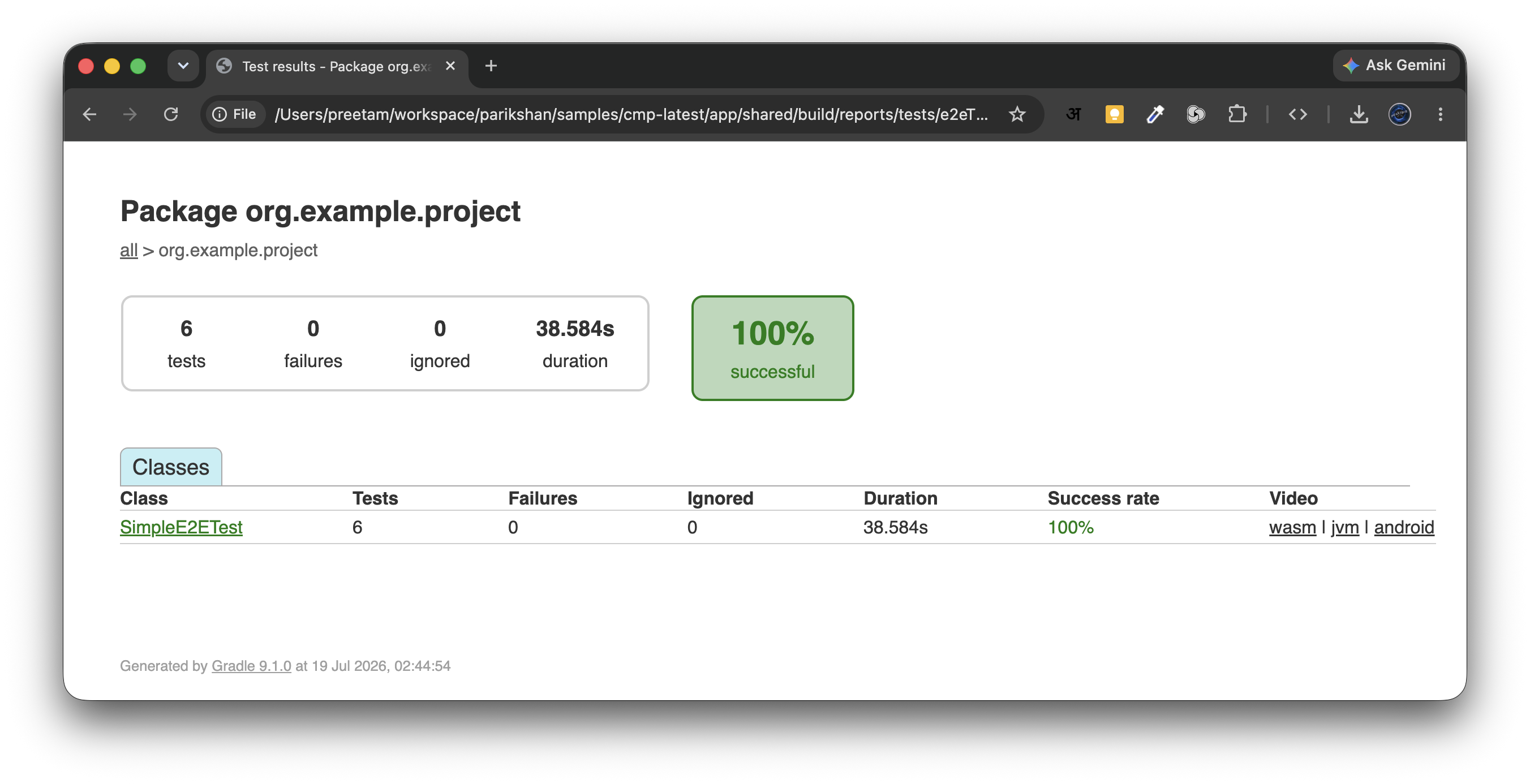
Unified HTML Report View
The generated HTML report includes execution durations, target breakdowns, failure stack traces, and embedded media.
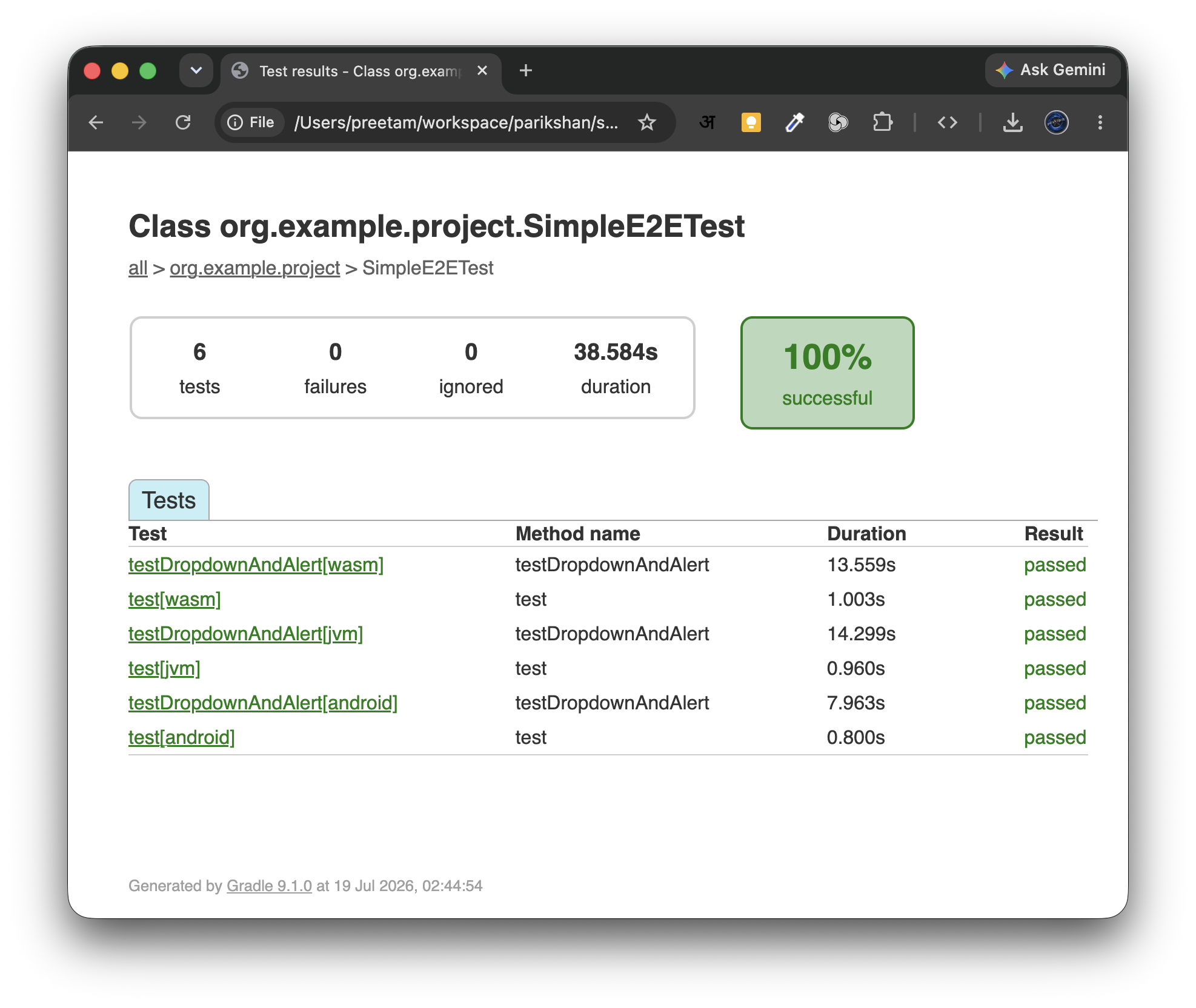
Failure Screenshots & Video Embedding
When video recording is enabled, the report embeds MP4 video links directly alongside failure screenshots for rapid triage.