 Parikshan
End-to-End testing framework for Compose Multiplatform




Features
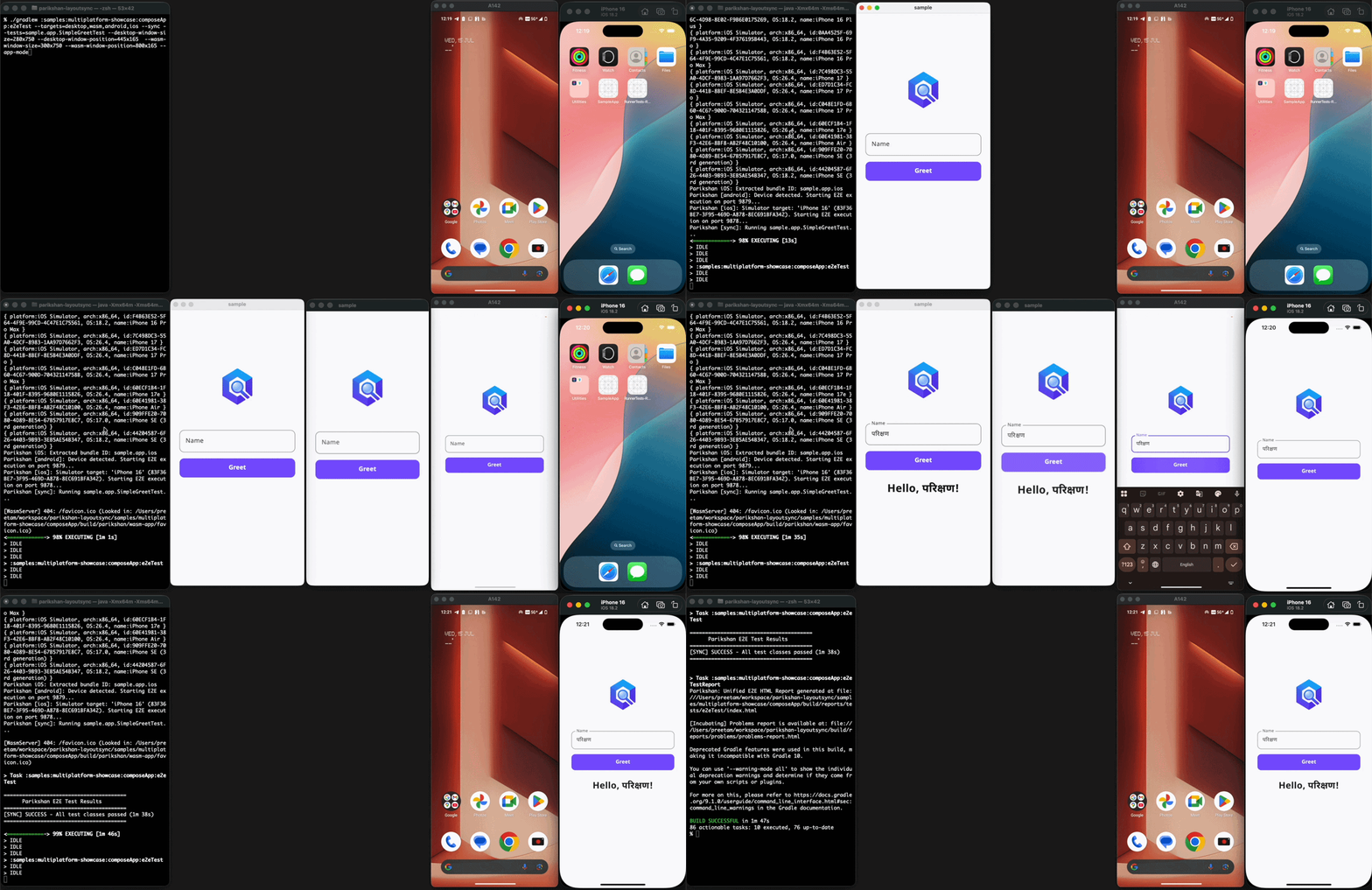
- Write tests in Kotlin, execute and visually watch them run across Android, iOS, Desktop, and Web (Wasm).
- Built-in video recording, screenshot capture, and test reports.
- Window layout and positioning, synchronized execution, and continuous watch mode.
API Reference | Quickstart Guide | Examples
Quick Start
1. Apply the Plugin
In your shared library module (e.g. :composeApp) build.gradle.kts:
2. Write your first test
Create a test in src/commonTest/kotlin:
package sample.app

import io.github.aryapreetam.parikshan.e2eTest
import kotlin.test.Test

class SimpleGreetTest {
  @Test
  fun testSimpleGreeting() = e2eTest {
    // enter in the input component tagged name_input
    input("name_input", "परिक्षण")

    // click button with text 'Greet!'
    click("Greet!")

    // check if greeting is displayed
    assertVisible("Hello, परिक्षण!")
  }
}
3. Run on any platform
./gradlew e2eAndroidTest
./gradlew e2eIosTest
./gradlew e2eDesktopTest
./gradlew e2eWasmTest

# Run across multiple targets simultaneously
./gradlew e2eTest --targets=desktop,wasm,android,ios
Examples & Demos
Explore working integration samples and video recordings across all platforms in the Examples section.