Interactive Parameters & State
Storytale provides interactive parameter controls. Instead of hardcoding props or creating separate variants for different states, you can expose parameters that can be adjusted directly from the gallery UI.
1. Defining Parameters with parameter()
Within a story definition block (which provides a Story receiver), you can declare parameters using Kotlin property delegation:
import androidx.compose.material3.Button
import androidx.compose.material3.Text
import org.jetbrains.compose.storytale.story

val `Interactive Button` by story(group = "Controls/Buttons") {
  val text by parameter("Click Me")
  val isEnabled by parameter(true)

  Button(
    onClick = {},
    enabled = isEnabled
  ) {
    Text(text)
  }
}
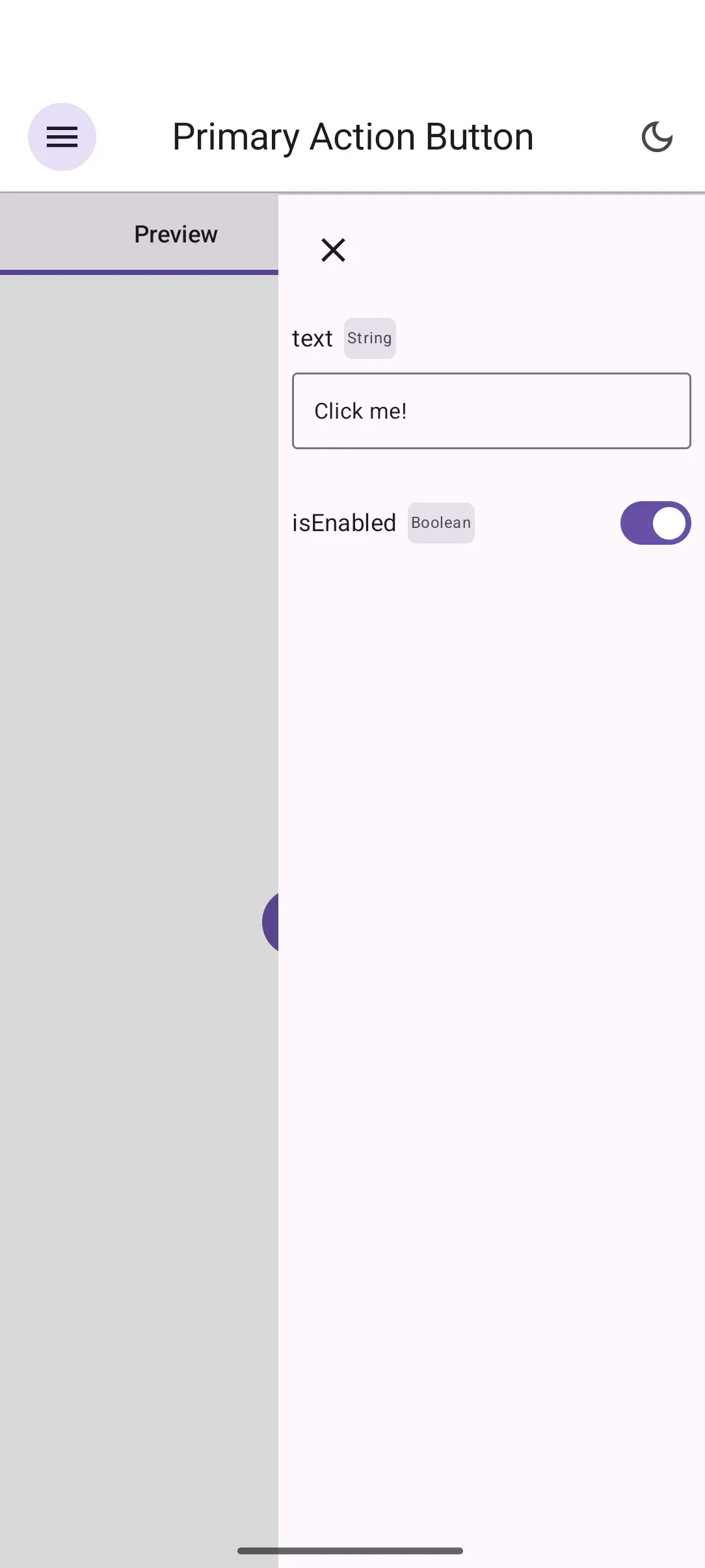
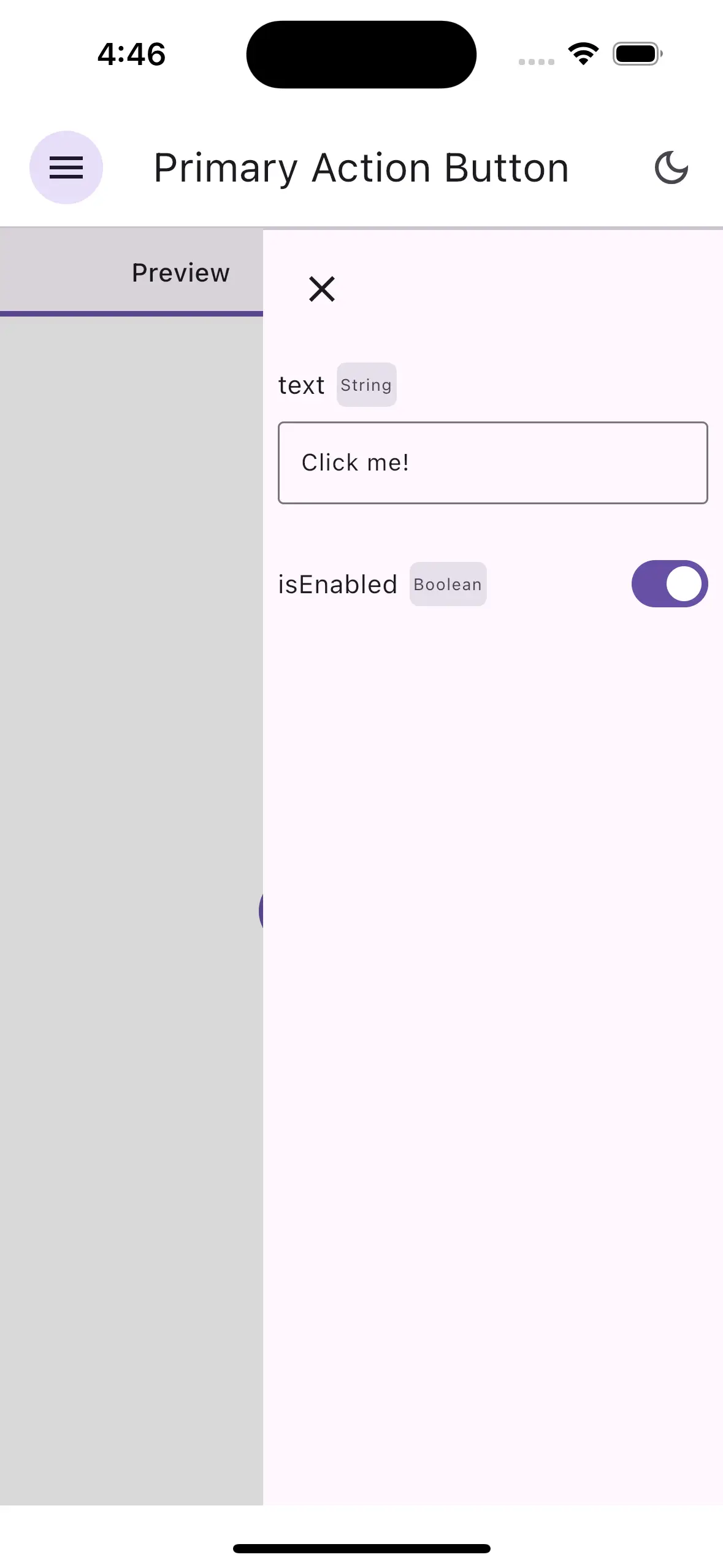
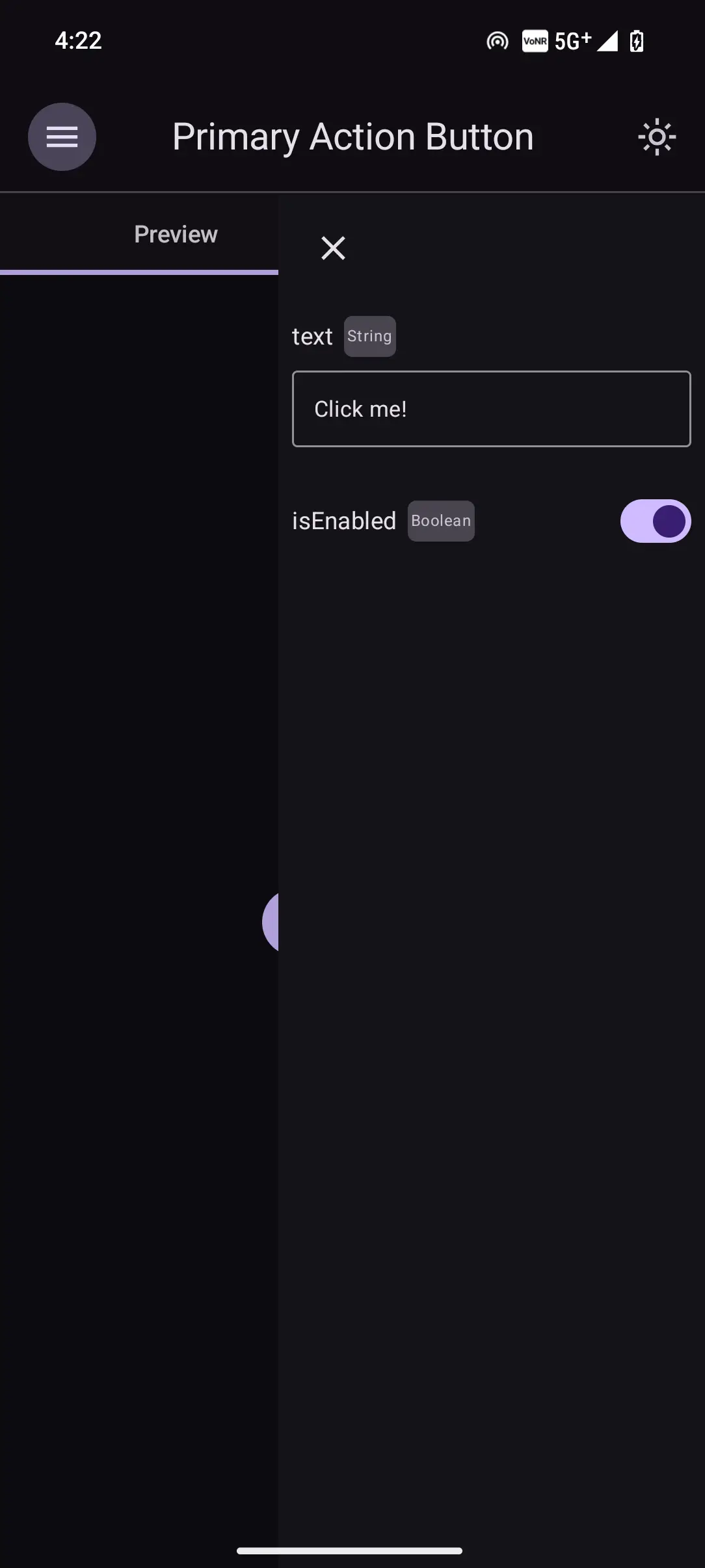
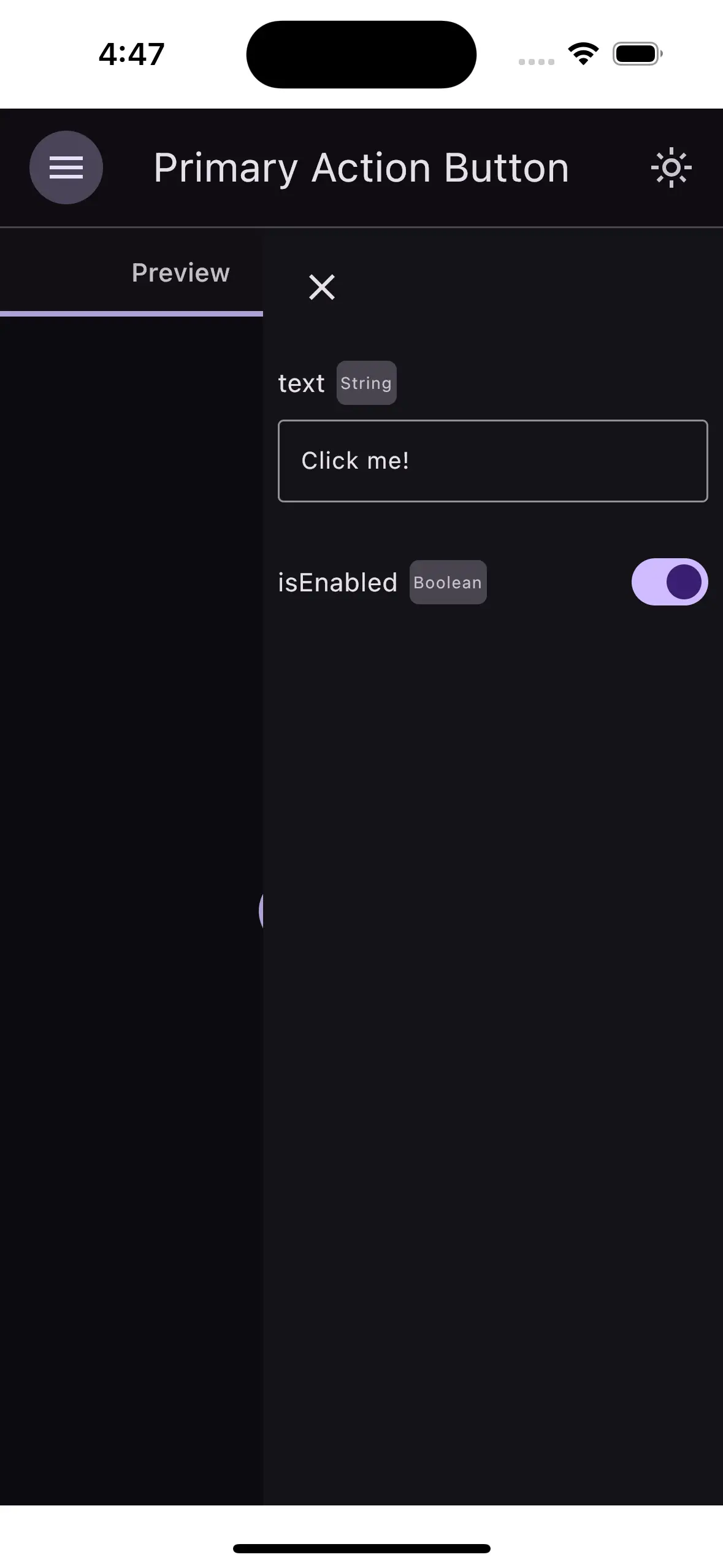
When you select this story in the Storytale gallery, the sidebar automatically generates:
- A text input field for text.
- A toggle switch for isEnabled.
Editing these controls updates the composable state immediately without recompilation.
2. Parameter Types
Storytale supports automatic UI control synthesis for multiple parameter types:
Primitive Types
// Text input control
val title by parameter("Hello World")

// Boolean switch control
val isVisible by parameter(true)

// Numeric inputs
val count by parameter(42)
val elevation by parameter(8.0f)
Discrete Options (List / Selection)


To restrict an input to a predefined list of allowed values, supply a List<T>:
val variant by parameter(
  values = listOf("Filled", "Outlined", "Elevated", "Tonal"),
  defaultValueIndex = 0,
  label = "Button Style"
)
This renders selection chips in the gallery sidebar:
List<T> parametersEnum Types
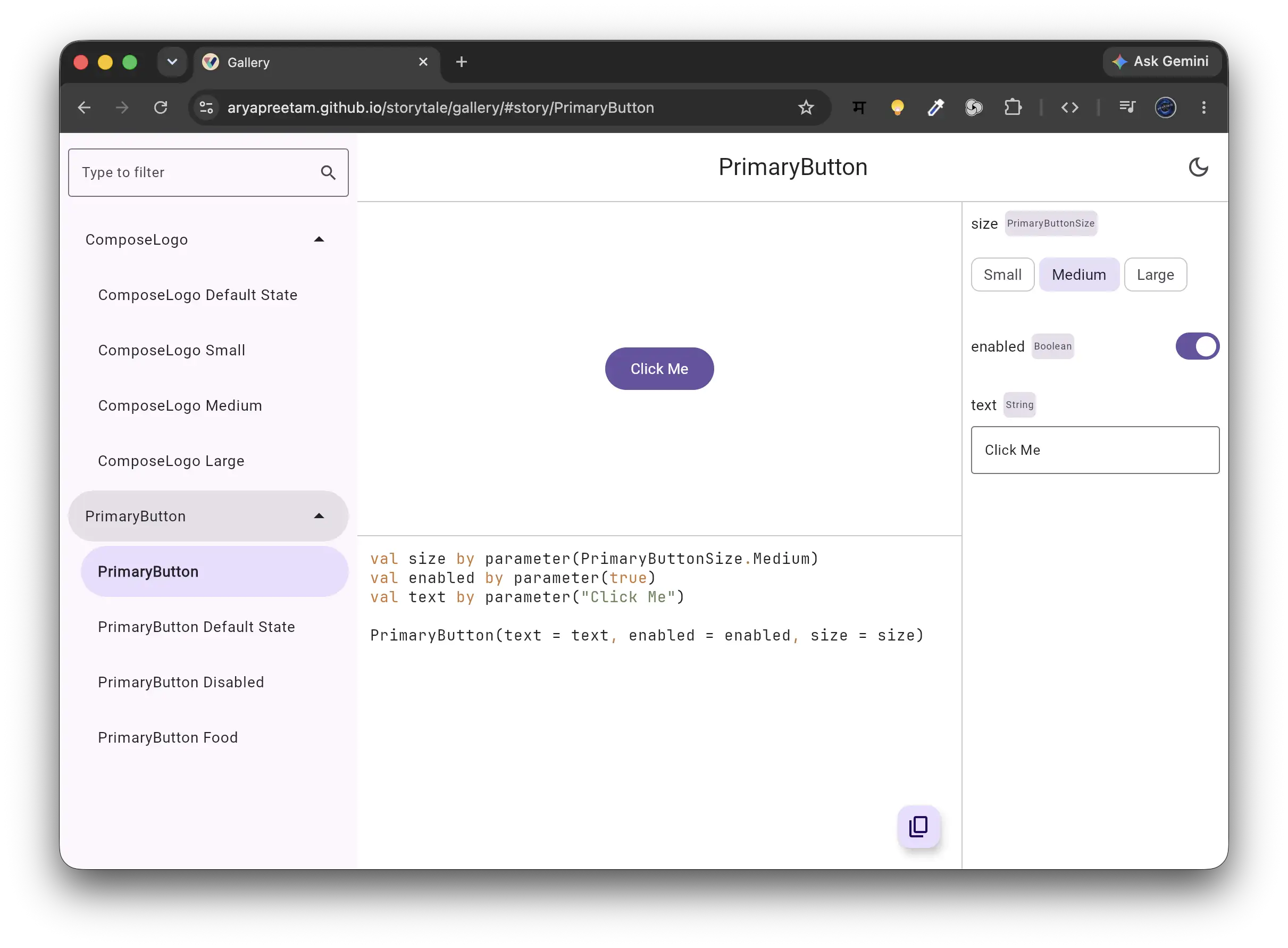
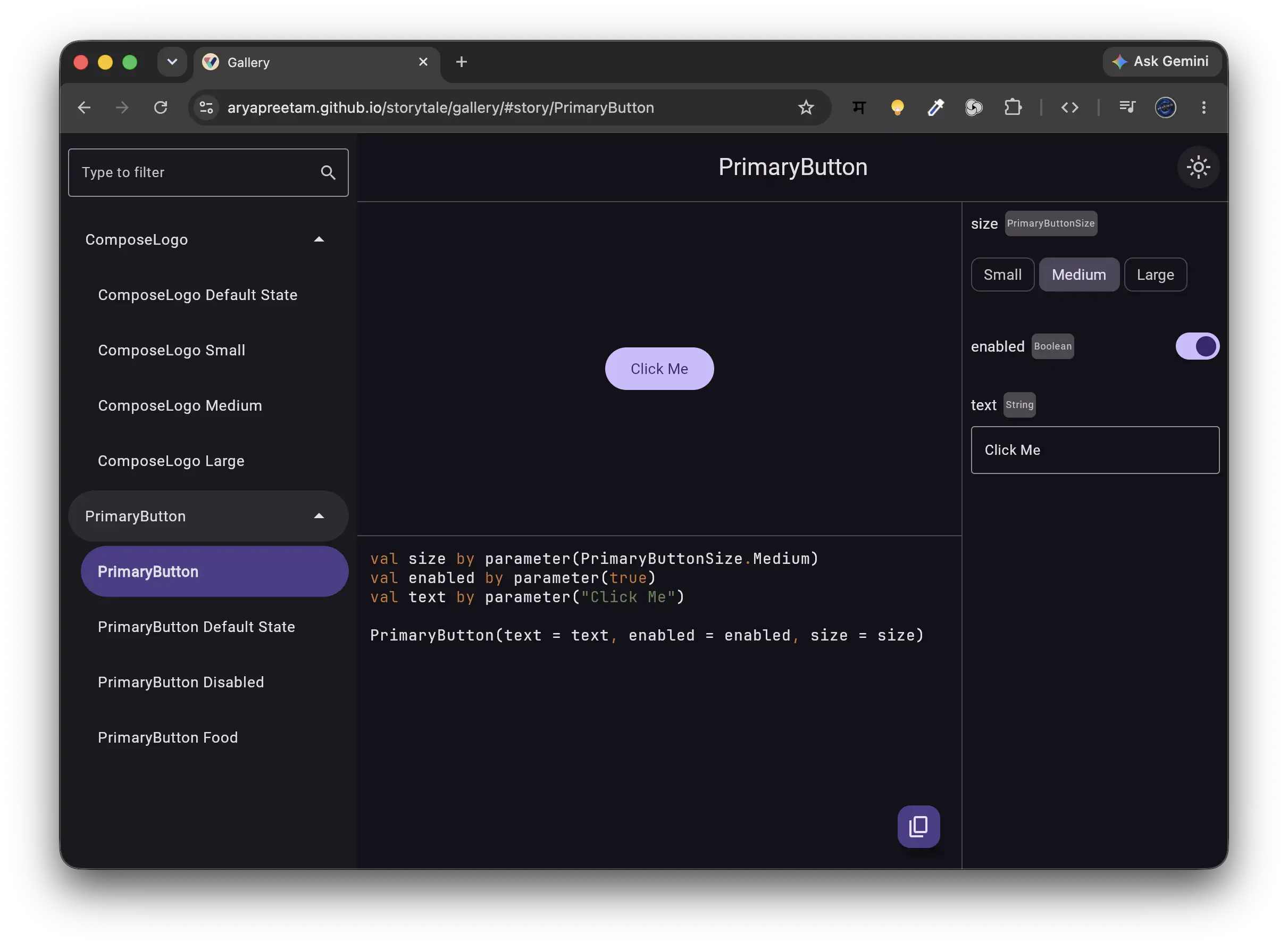
Enums are automatically converted to discrete options using Kotlin's enumEntries:
enum class BadgePriority { Low, Medium, High, Critical }

val priority by parameter(
  defaultValue = BadgePriority.Medium,
  label = "Badge Severity"
)
3. Using @Preview with previewParameter
If you develop components using standard @Preview annotations (from Jetpack Compose or Compose Multiplatform), Storytale's compiler plugin can automatically convert previews into interactive stories.
Inside any @Preview composable, use previewParameter:
import androidx.compose.desktop.ui.tooling.preview.Preview
import androidx.compose.material3.Button
import androidx.compose.material3.Text
import androidx.compose.runtime.Composable
import org.jetbrains.compose.storytale.previewParameter

@Preview
@Composable
fun PreviewActionButton() {
  val title by previewParameter("Submit Order")
  val enabled by previewParameter(true)

  Button(onClick = {}, enabled = enabled) {
    Text(title)
  }
}
previewParameter accesses the active LocalStory composition local provided by Storytale's gallery host, falling back safely to default values when rendered in standard IDE preview tooling.
4. How State Reactivity Works
Storytale parameters are backed by Compose MutableState<T>:
sequenceDiagram
    actor Developer as Developer / Designer
    participant UI as Storytale Control Sidebar
    participant State as StoryParameter.state (MutableState)
    participant Composable as Target Composable

    Developer->>UI: Modifies text or toggles switch
    UI->>State: Updates MutableState.value
    State-->>Composable: Triggers targeted Compose Recomposition
    Composable-->>Developer: Re-renders updated UI instantly
Because controls bind directly to Compose snapshot state, parameter changes only recompose the specific nodes reading the parameter.
Next Steps
Explore wrapping your stories with consistent design system scaffolding in Decorators & Theming.