Multiplatform Workflows
Storytale provides dedicated runner tasks for Desktop, Web (Wasm), Android, and iOS.
1. Desktop (JVM)
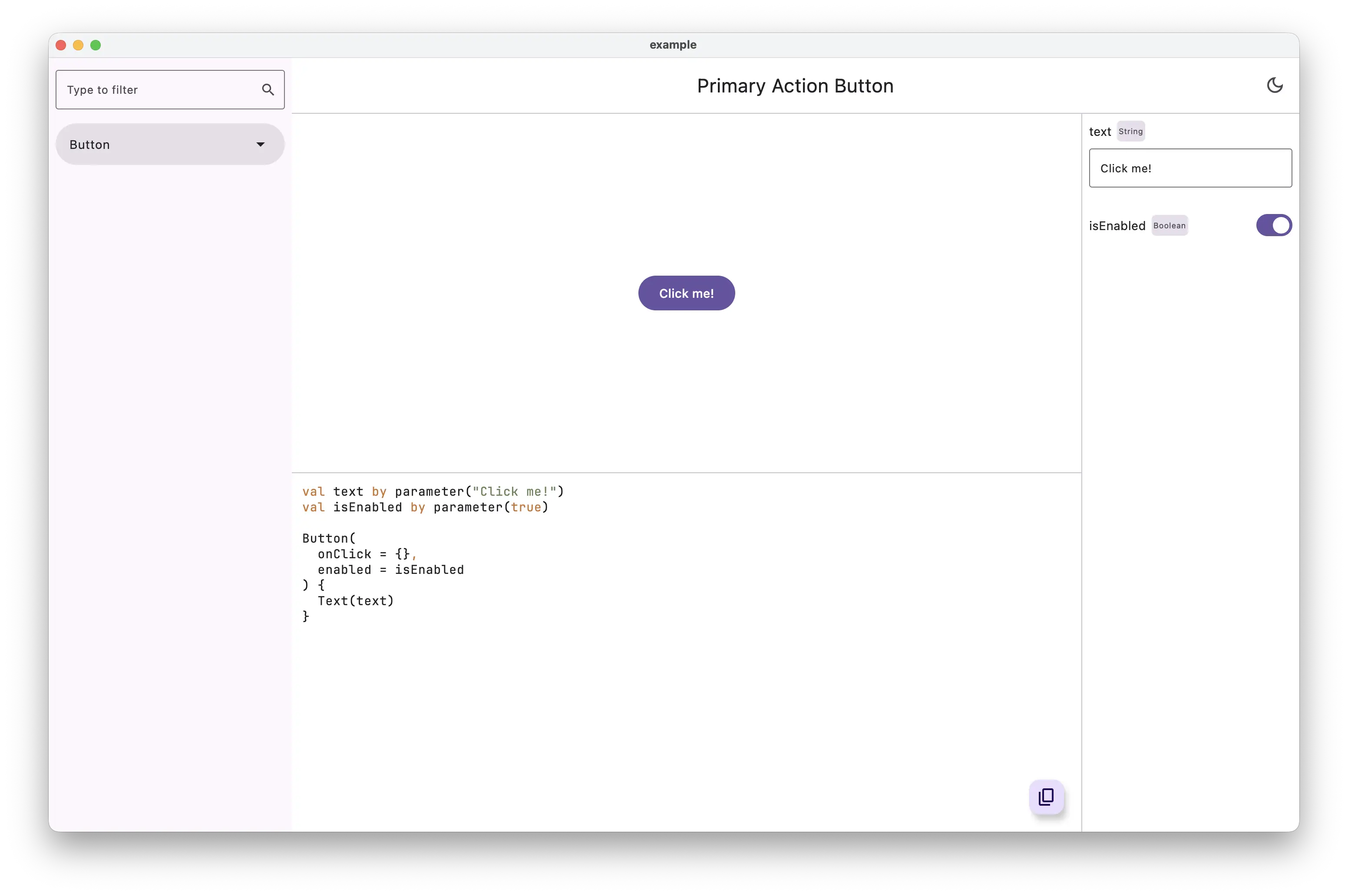
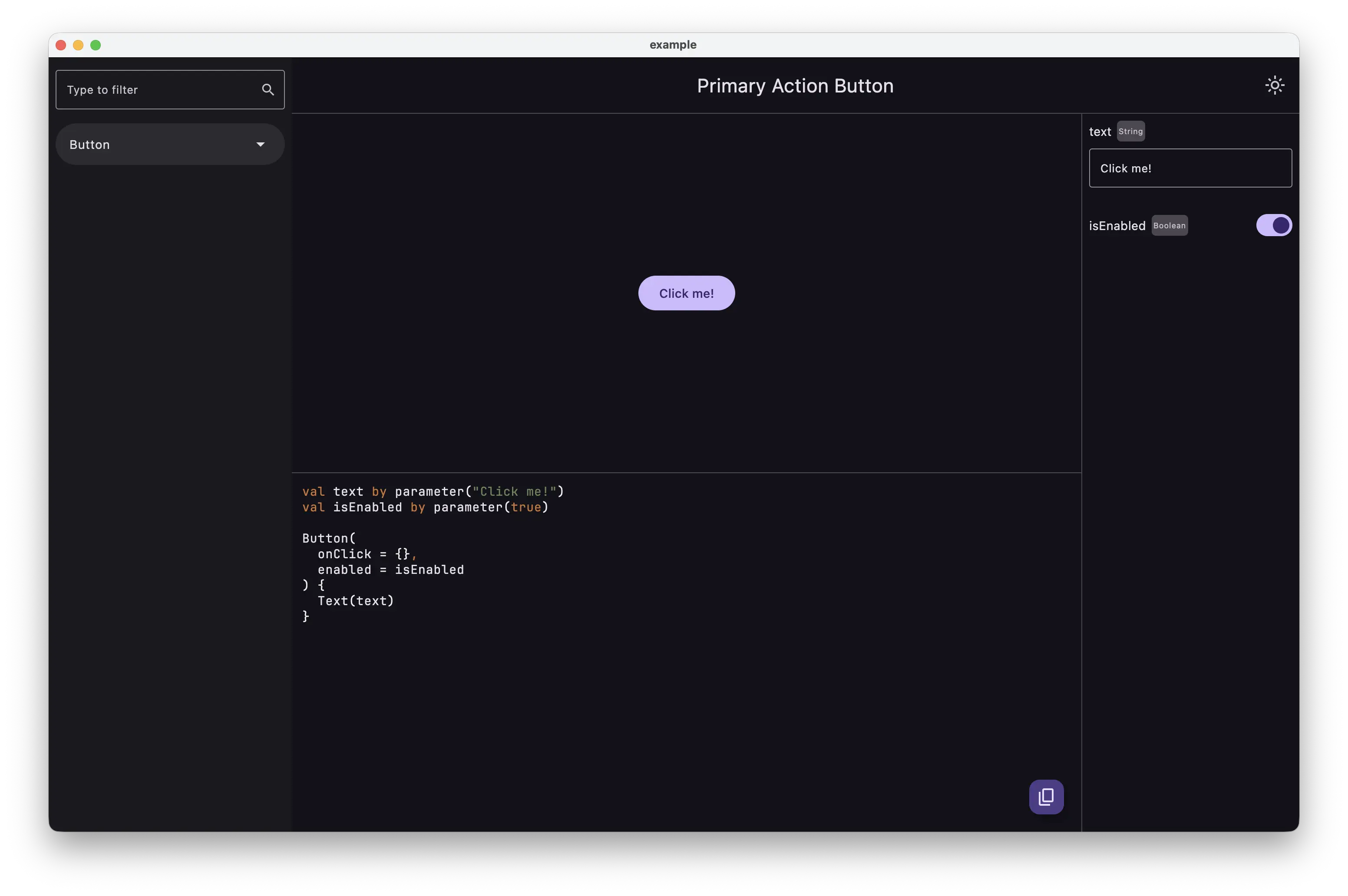
The Desktop runner launches a native desktop window directly from Gradle.
Highlights
- Runs directly from Gradle without creating intermediate emulator devices.
- Supports macOS, Linux, and Windows hosts.
- Re-executes instantaneously for quick UI iteration.
2. Web (WebAssembly / Wasm)
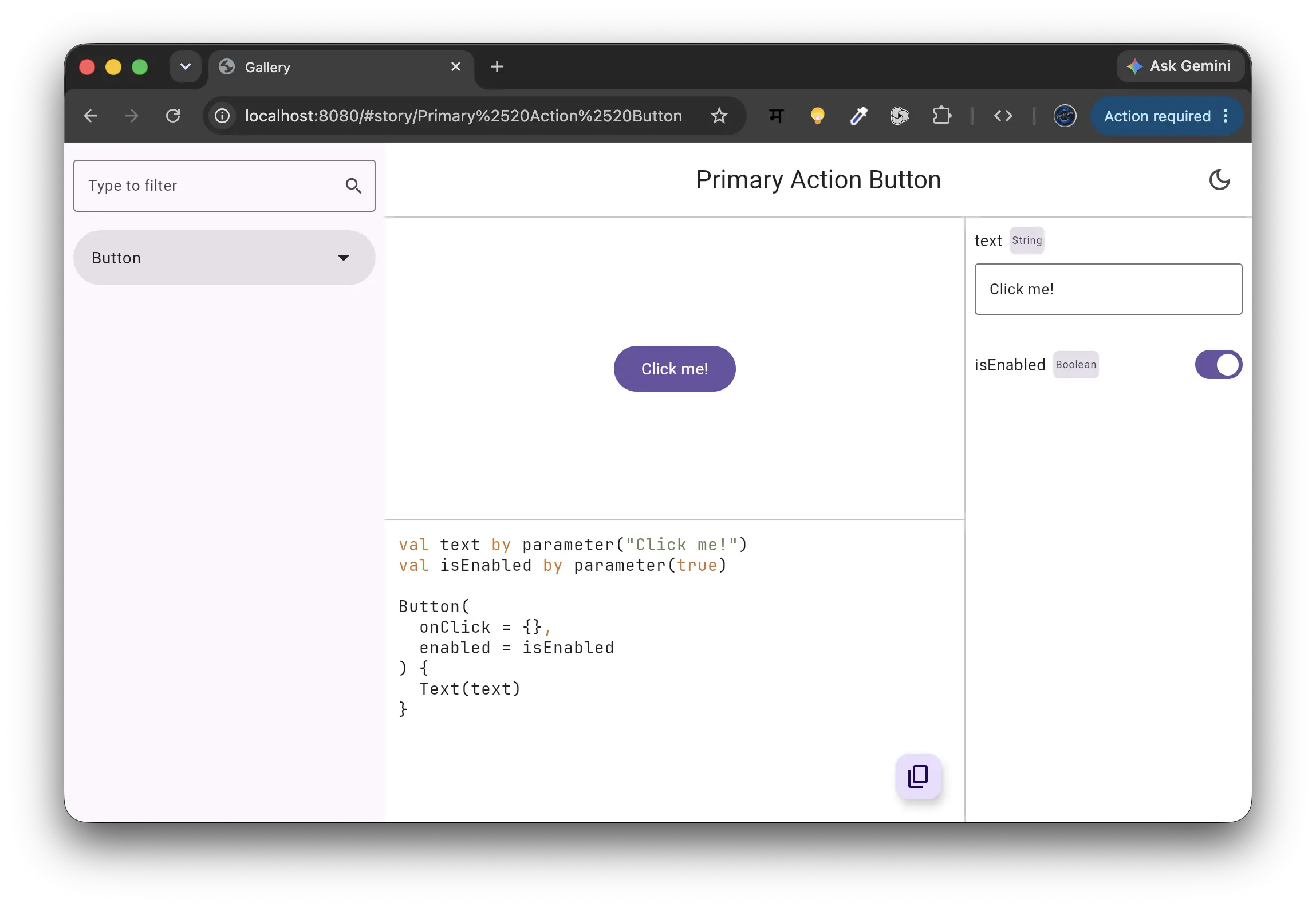
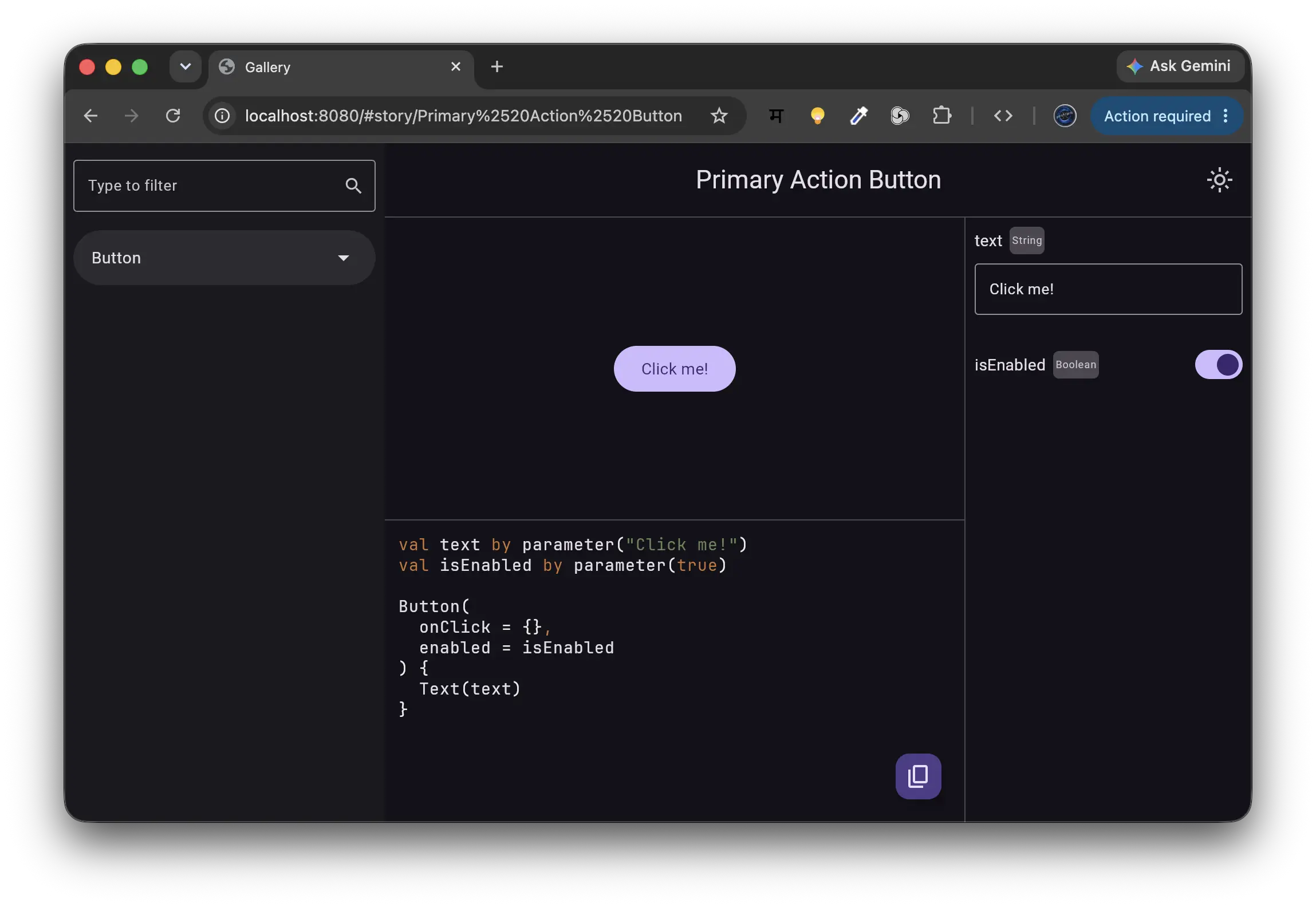
Storytale compiles directly to WebAssembly (wasmJs), allowing you to publish interactive storybook galleries to any static website, CDN, or GitHub Pages.
Development Server
Starts a local development server with live reload.Production Static Distribution
The compiled output is emitted to:
You can deploy these static files to GitHub Pages, Cloudflare Pages, Vercel, or AWS S3.
3. Android (Device & Emulator)
Storytale supports both Android Applications (com.android.application) and modern Android Multiplatform Libraries (com.android.kotlin.multiplatform.library / com.android.library).
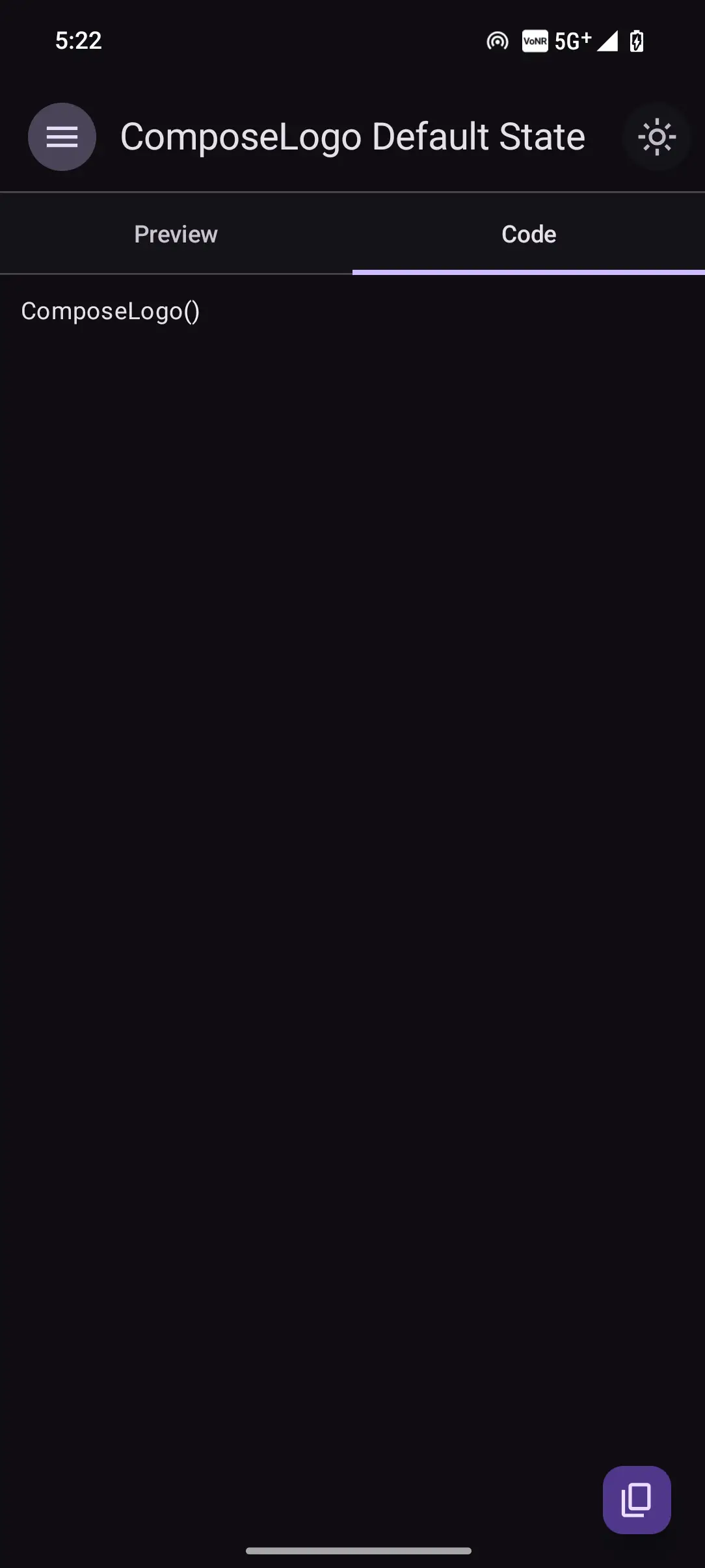
Self-Contained Library Runner
When applied to a library module (such as :composeApp or :shared):
1. Device Test Wiring: Automatically configures the Android deviceTest target and generates a synthetic AndroidManifest.xml registering StorytaleAppActivity.
2. Deterministic Installation: Packages the test APK (<module>-androidTest.apk) and installs it onto the active device via adb install -r.
3. Activity Launch: Immediately invokes am start -n <package>.test/<package>.test.StorytaleAppActivity.
4. App Coexistence: Because the stories APK runs under the test package suffix (.test), it coexists concurrently with your main host application (androidApp) on the same physical phone or emulator without namespace collision.
Android SDK Configuration
When using Kotlin backtick identifiers with spaces (e.g. val `Primary Button State` by story), Kotlin generates synthetic delegate fields with spaces in their names.
To ensure the Android D8 desugarer and dexer can package these identifiers, configure your minSdk to 30 (Android 11) or higher:
Android DEX Format 040
Android DEX format 040 (introduced in API 30) fully supports spaces and arbitrary UTF-8 characters in simple identifier names. If your app must target minSdk < 30, use simple identifiers without spaces (e.g. val PrimaryButtonState by story).
4. iOS (Simulator)
Storytale includes built-in iOS simulator synthesis and runner tasks:
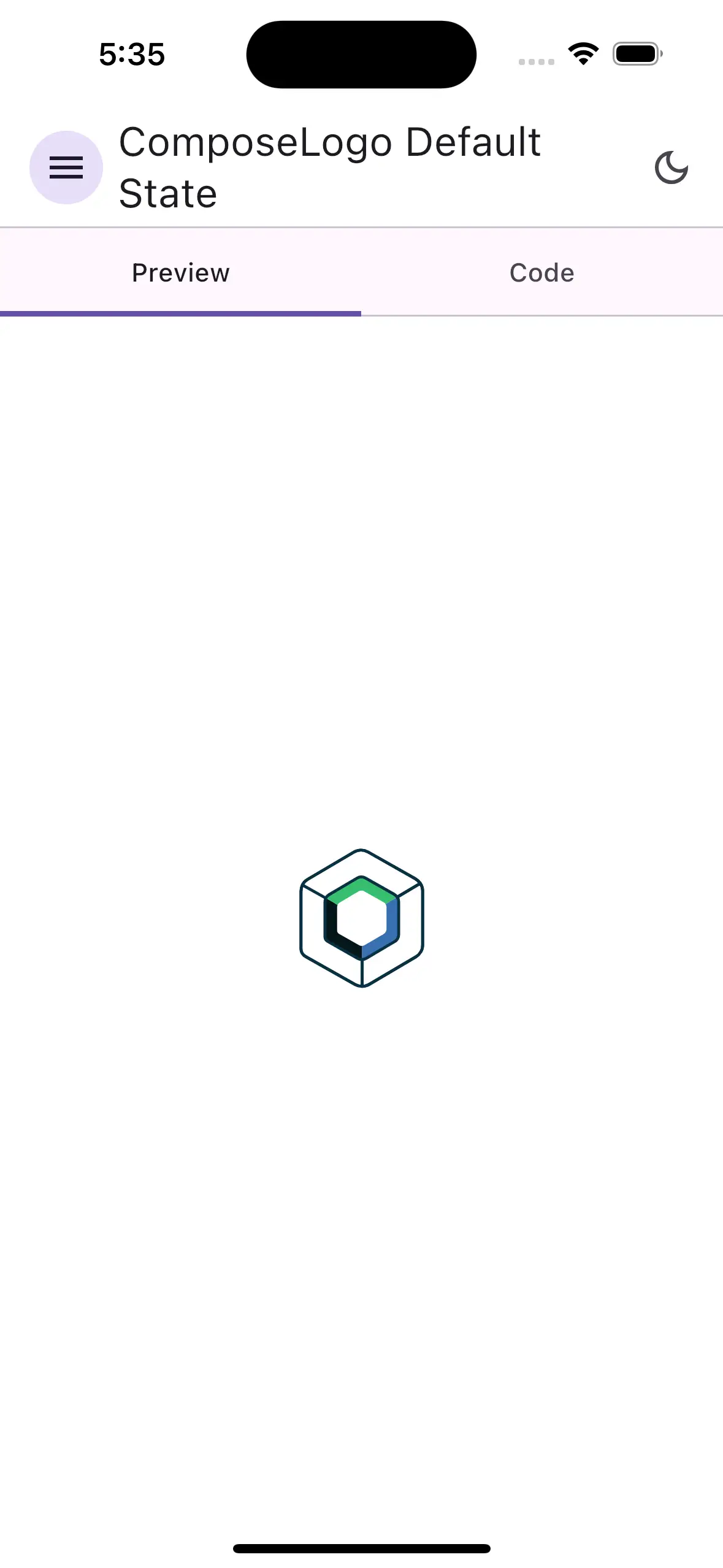
Resilient Simulator Resolution
The Storytale Gradle plugin automatically queries xcrun simctl to discover currently booted or available simulators (such as an iPhone 16 or iPad Pro). If an active simulator is already open, Storytale reuses it directly without creating duplicate devices.
You can also specify a specific simulator device ID via Gradle property:
What the Task Does
- Resolves the active simulator UUID and target architecture (
arm64orx86_64). - Compiles the Kotlin/Native debug framework (
StorytaleFramework.framework). - Generates the wrapper Xcode project with proper
Info.plistbundle identifiers. - Builds the
.appbundle usingxcodebuildtargetingiphonesimulator. - Installs the app via
xcrun simctl install. - Launches the gallery app in the simulator via
xcrun simctl launch.
Target Matrix Summary
| Platform | Gradle Task | Runtime Environment | Output Artifact |
|---|---|---|---|
| Desktop (JVM) | :desktopStoriesRun |
JVM Window | JVM Process |
| Web (Wasm) | :wasmJsBrowserStoriesRun |
Browser (Wasm GC) | Static .wasm & .html |
| Android | :androidStoriesRun |
Device / Emulator via ADB | <module>-androidTest.apk |
| iOS | :iosSimulatorArm64StoriesRun / :iosX64StoriesRun |
iOS Simulator via simctl |
iOS .app bundle |
Next Steps
- Follow the hands-on starter tutorial in Writing Your First Story.
- Configure dynamic state controls in Parameters & State.
- Wrap stories in consistent theme scaffoldings in Decorators & Theming.
- Browse the full Kotlin Multiplatform API contract in the API Reference.